Professional Diploma
In Video Editing
& Motion Graphics
This programme goes beyond basic video editing by combining practical editing, creative storytelling, and motion graphics using industry-standard Adobe software.
What Makes This Course Different?
This programme goes beyond basic video editing by combining practical editing, creative storytelling, and motion graphics using industry-standard Adobe software. With hands-on training and real-world projects, learners develop the technical skills and creative confidence needed to create engaging content for advertising, social media, entertainment, education, and digital marketing.
Practical Editing
Creative Storytelling
Motion Graphics
Adobe Software
What You Will Gain
Strong foundation in video editing
Hands-on Adobe Premiere Pro training
Motion graphics skills using Adobe After Effects
Audio editing and basic colour correction
Transitions, effects, keyframes and masking
Motion tracking and visual-effects fundamentals
Premiere Pro + After Effects workflow
Project-based practical experience
Portfolio-ready video projects
Professional communication & career preparation
Course Structure & Modules
Classroom & Practical Training
Students will learn video-editing concepts, Adobe Premiere Pro, Adobe After Effects, motion graphics, visual effects, audio, colour and professional project workflows.
Video Editing Fundamentals
Learn the basics of video editing, formats, resolution, frame rates, storytelling, footage organisation, and simple editing principles.
Adobe Premiere Pro – Basics
Learn the Premiere Pro interface, project setup, media organisation, timeline editing, cutting and trimming clips, and basic transitions.
ADOBE PREMIERE PRO & AFTER EFFECTS
ADOBE PREMIERE PRO
- Editing & Timeline
- Audio Editing
- Colour & Effects
PRACTICAL EDITING PROJECTS
Create practical video projects including social media reels, promotional videos, YouTube videos, cinematic edits, interviews, product ads, and event highlights.
EXPORT & DELIVERY
Learn export settings, video formats, social media and YouTube delivery, file organisation, and basic project archiving.
ADOBE AFTER EFFECTS
Motion Graphics & Animation Training
- After Effects Fundamentals
- Text & Shape Animation
VISUAL EFFECTS
- Compositing & Effects
- Motion Graphics Projects
PREMIERE PRO + AFTER EFFECTS WORKFLOW
Students will learn how video editing and motion graphics can work together in a professional production workflow.
- Workflow Training
- Professional Project
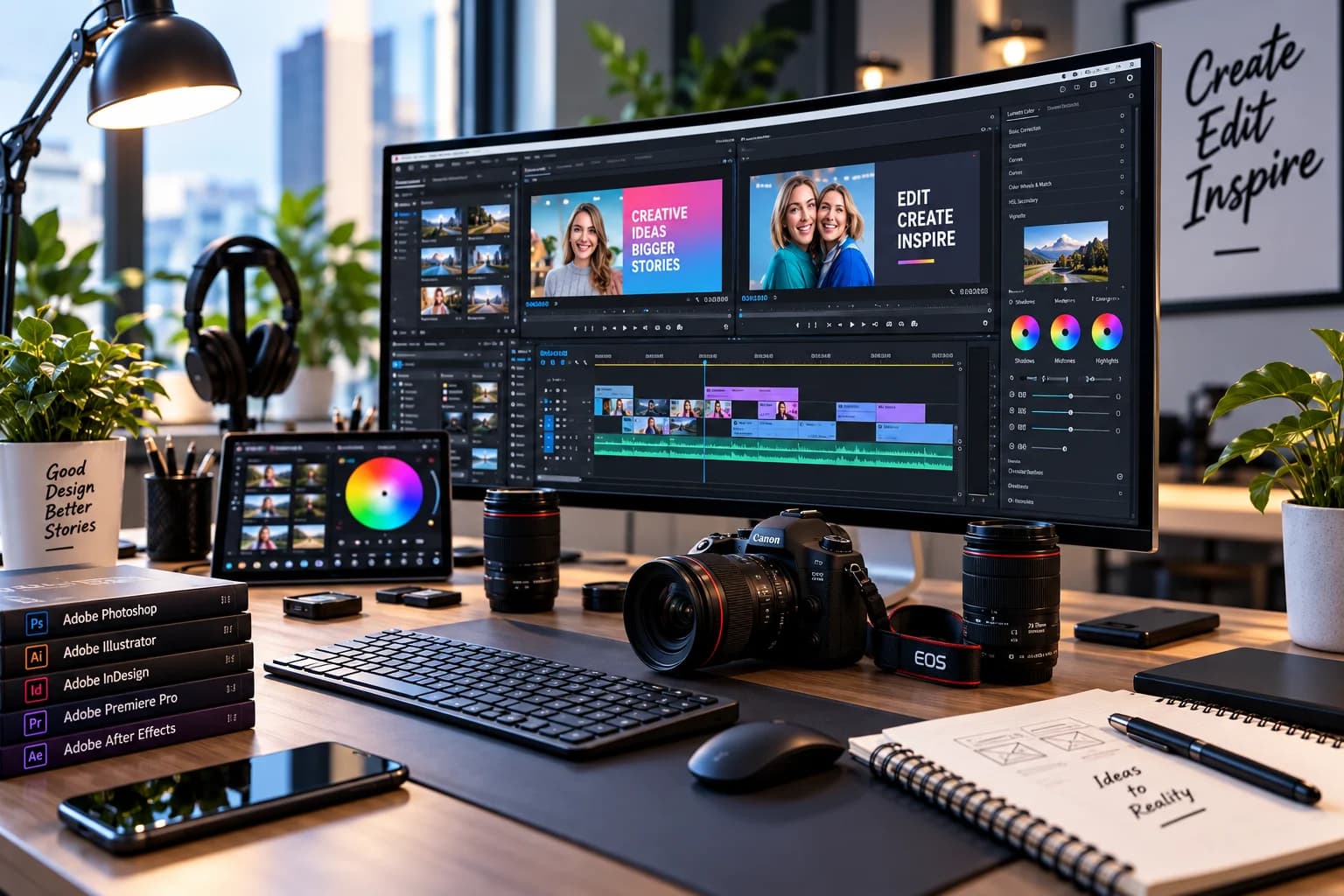
Practical Project Program
Students will develop a collection of practical projects to demonstrate their editing and motion-graphics skills
Social Media Reel
Short-form vertical video with cuts, transitions, text and music.
Promotional Video Brand
Focused video using editing, titles, audio and visual effects.
Product Advertisement
Product-focused commercial edit with motion graphics and sound.
Cinematic Video
Creative edit focusing on pacing, colour, music and storytelling.
Motion Graphics
Video After Effects-based animated title, graphic and transition project.
Complete Video Production
A complete edited video combining Premiere Pro and After Effects skills.
.webp&w=3840&q=75)
Professional Development
A Dedicated Professional-development component can support students in Preparing for creative-industry work
Self-Development Program
Portfolio Development
Selecting strong projects
Organising project files
Creating a video Portfolio
Presenting Editing work Professionally
Preparing project descriptions
Building a Professional Showreel
Career Opportunities
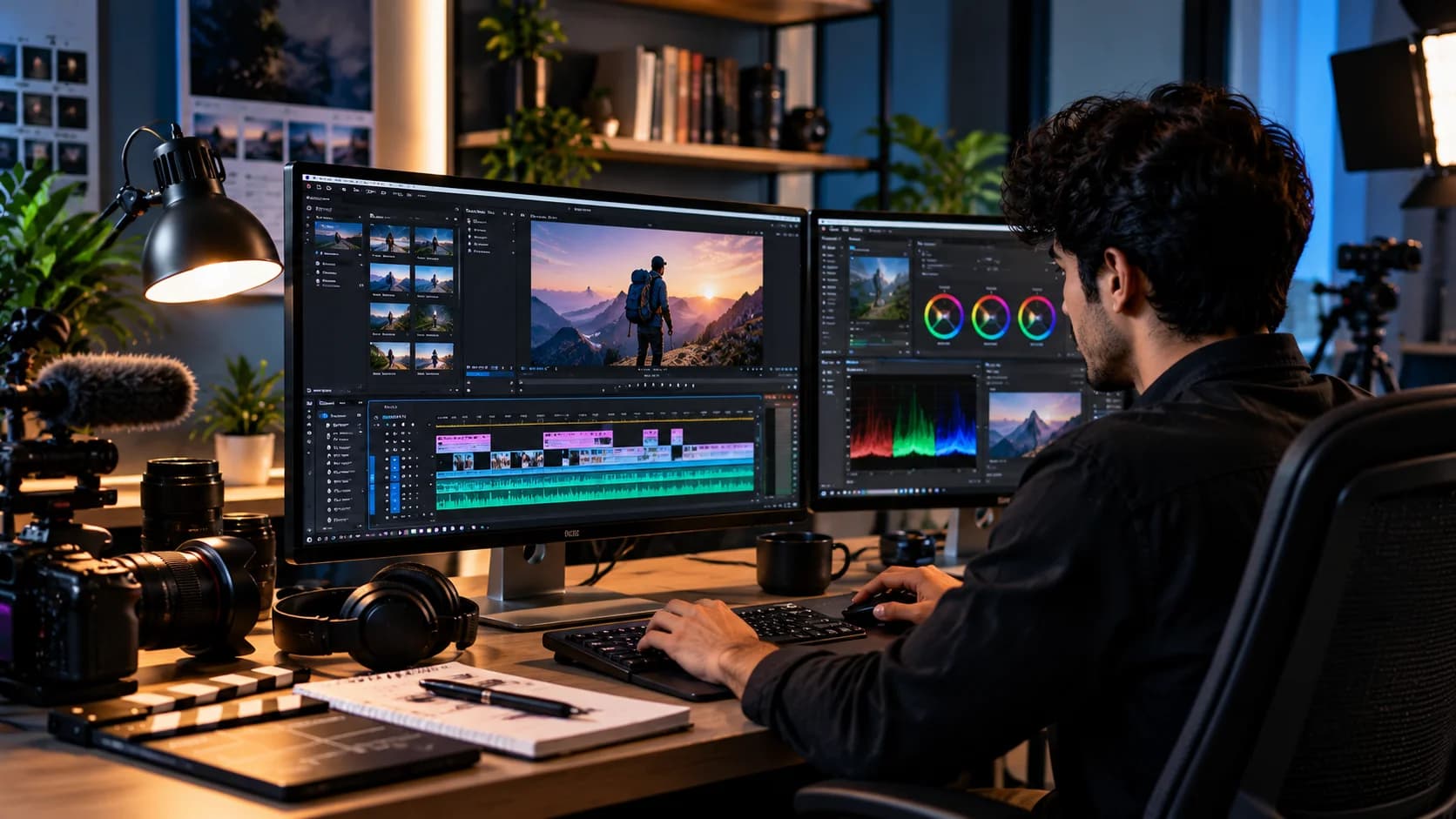
Build Your Future in Video & Creative Media After developing practical editing and motion-graphics skills, students can explore entry-level opportunities across content creation, digital marketing, advertising, media production and creative services.